
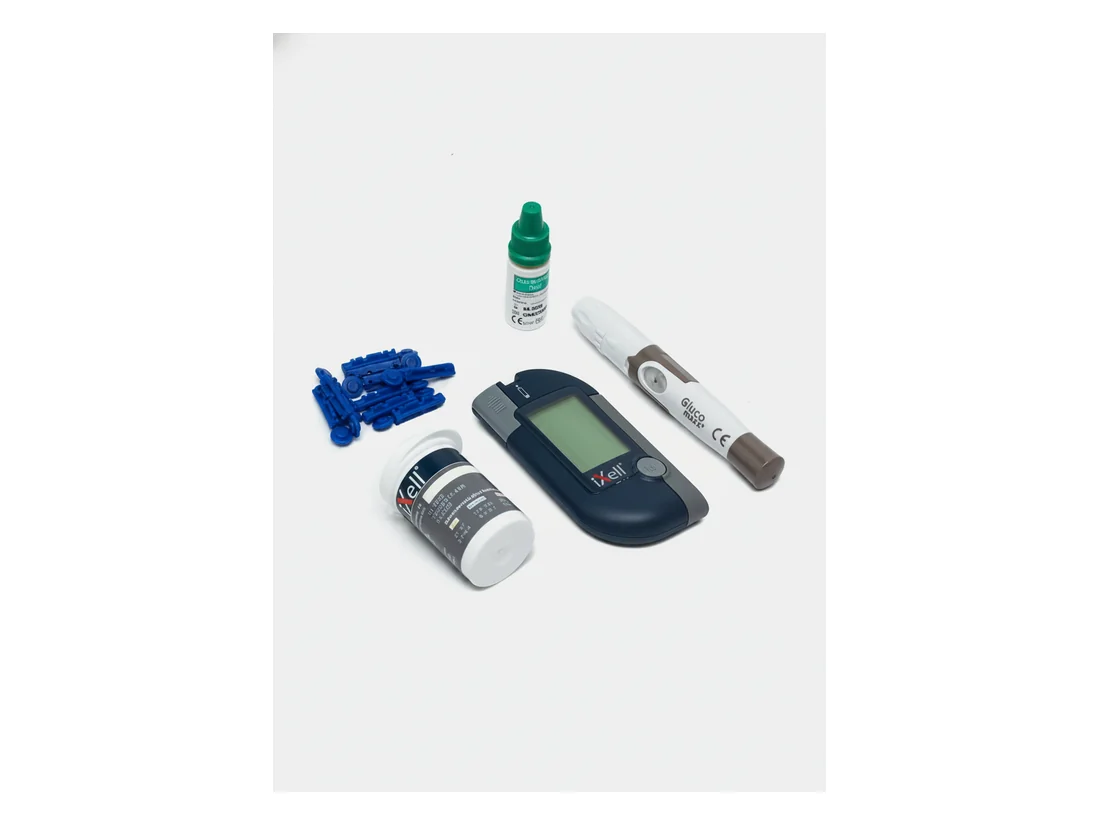
Step 1 of 4
Unpack the kit
Make sure the packaging has not been opened before. Check the kit contents before first use.
- iXell® glucometer and a CR2032 lithium battery (3 V)
- iXell® test strips and sterile lancets
- Lancing device and a clear AST cap
- Glucosense®/iXell® control solution and a case
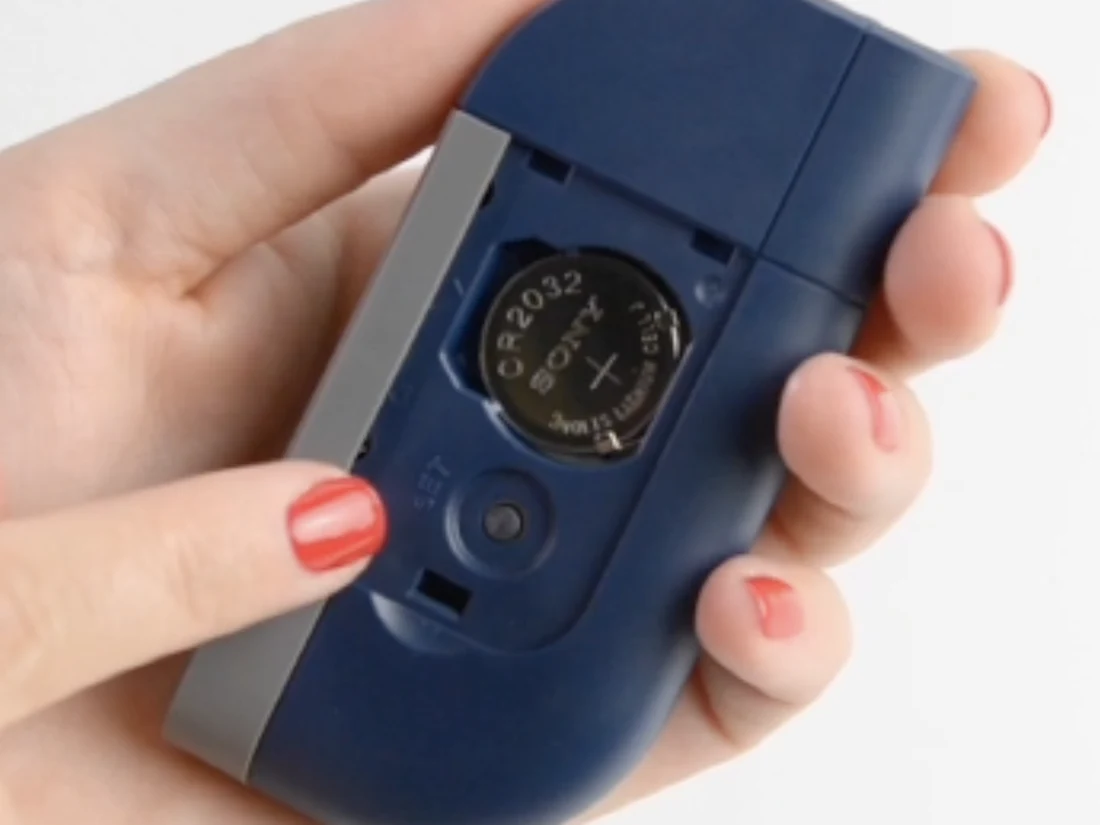
Step 2 of 4
Enter settings mode
The glucometer must be off. The Set button sits next to the battery inside the compartment — press it and the device switches to settings mode.
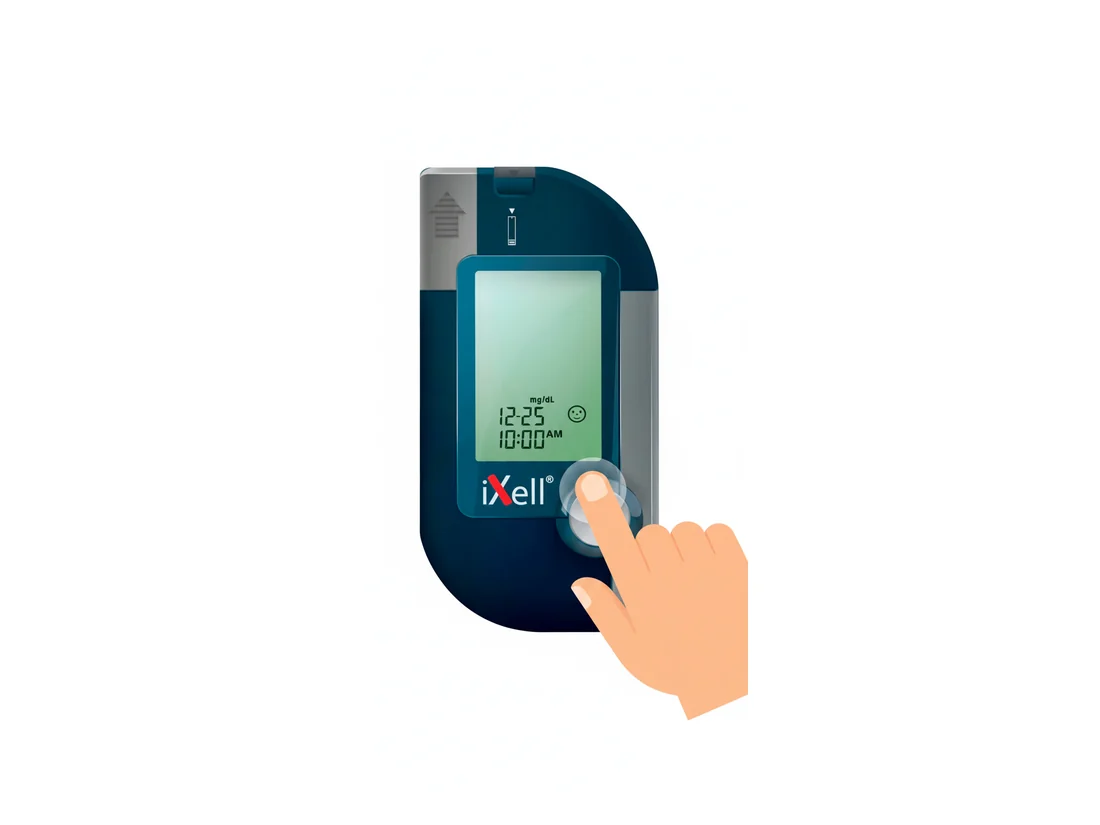
Step 3 of 4
Set the date and time
Year, month, day, hour and minutes flash in turn. Use «M» to change the value (hold for fast scroll) and the Set button (next to the battery) to confirm and move to the next field.
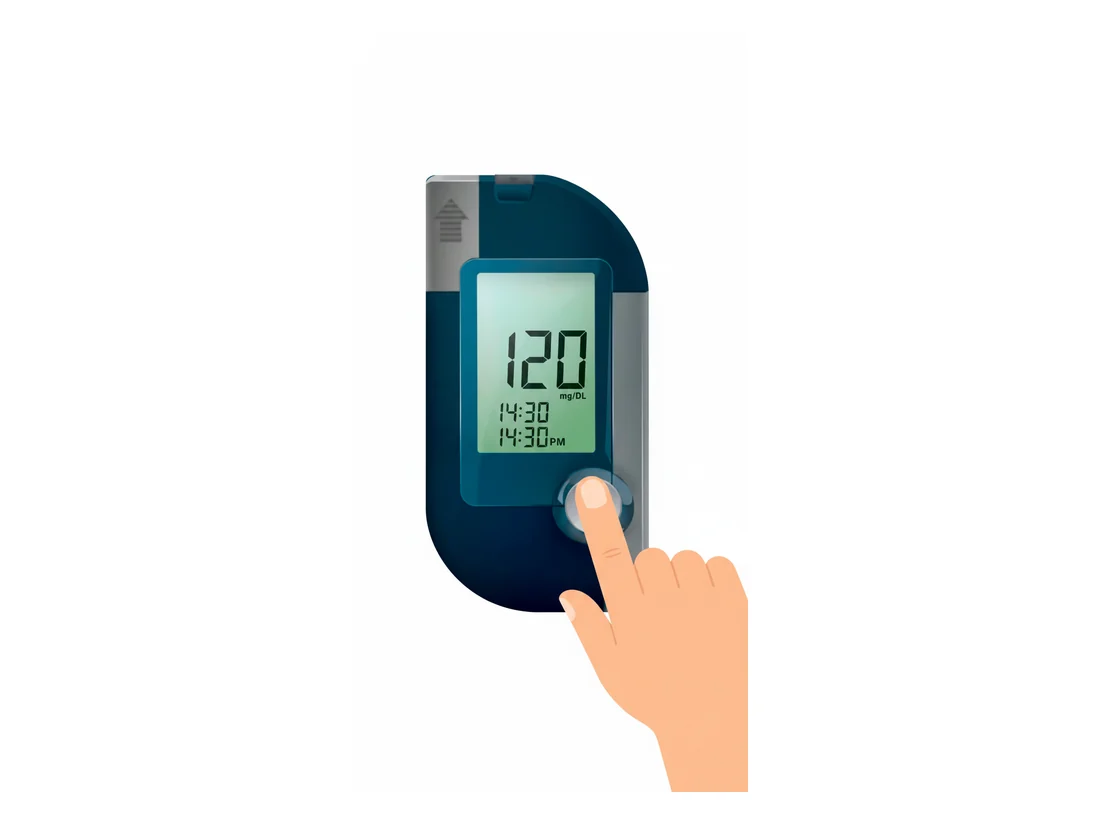
Step 4 of 4
Choose measurement units
Use «M» to choose mmol/L or mg/dL, then the temperature unit (°C or °F). Confirm with the Set button (next to the battery).
- Important: mmol/L and mg/dL are different scales. Ask your doctor which one is standard in your region.
Tip
The device stores 450 results
Every reading is saved automatically with the date and time. The glucometer calculates 7-, 14-, 21-, 28-, 60- and 90-day averages — view them by holding «M».
Important
When to run a control test
A control test confirms the glucometer and strips are reading accurately.
- Before using the device for the first time
- When you open a new pack of test strips
- If a result doesn't match how you feel
- After the glucometer has been dropped